Generate Labels

Turn your order and product data into ready-to-print labels

Save Time

Automate Your Labels

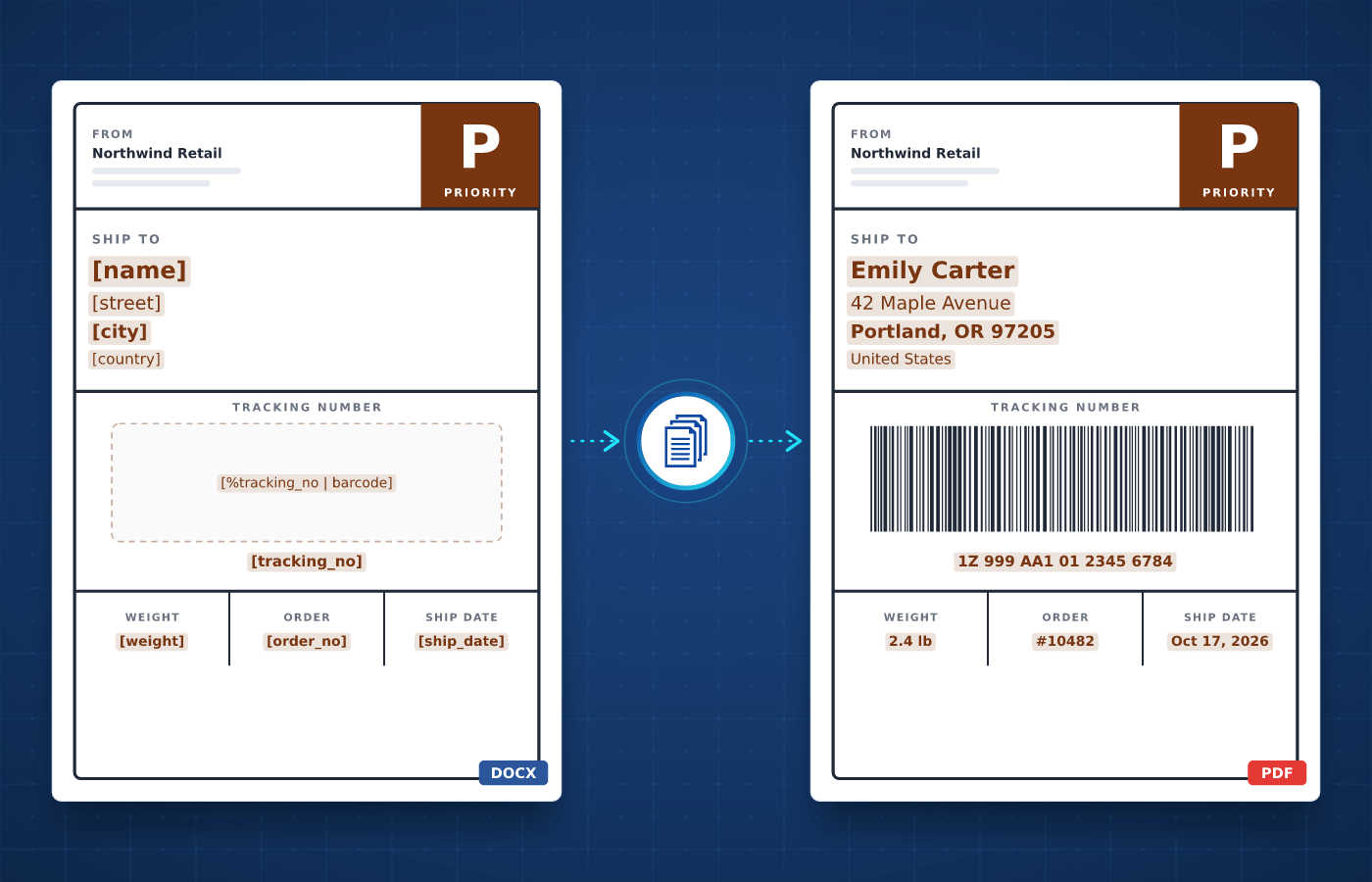
Printing labels usually involves retyping addresses, product names and codes for every package. With automated label generation, each one is created with the right address, details and barcode.

  • Labels ready to print in seconds
  • No more retyped addresses
  • A scannable barcode on every label
Start Generating for Free
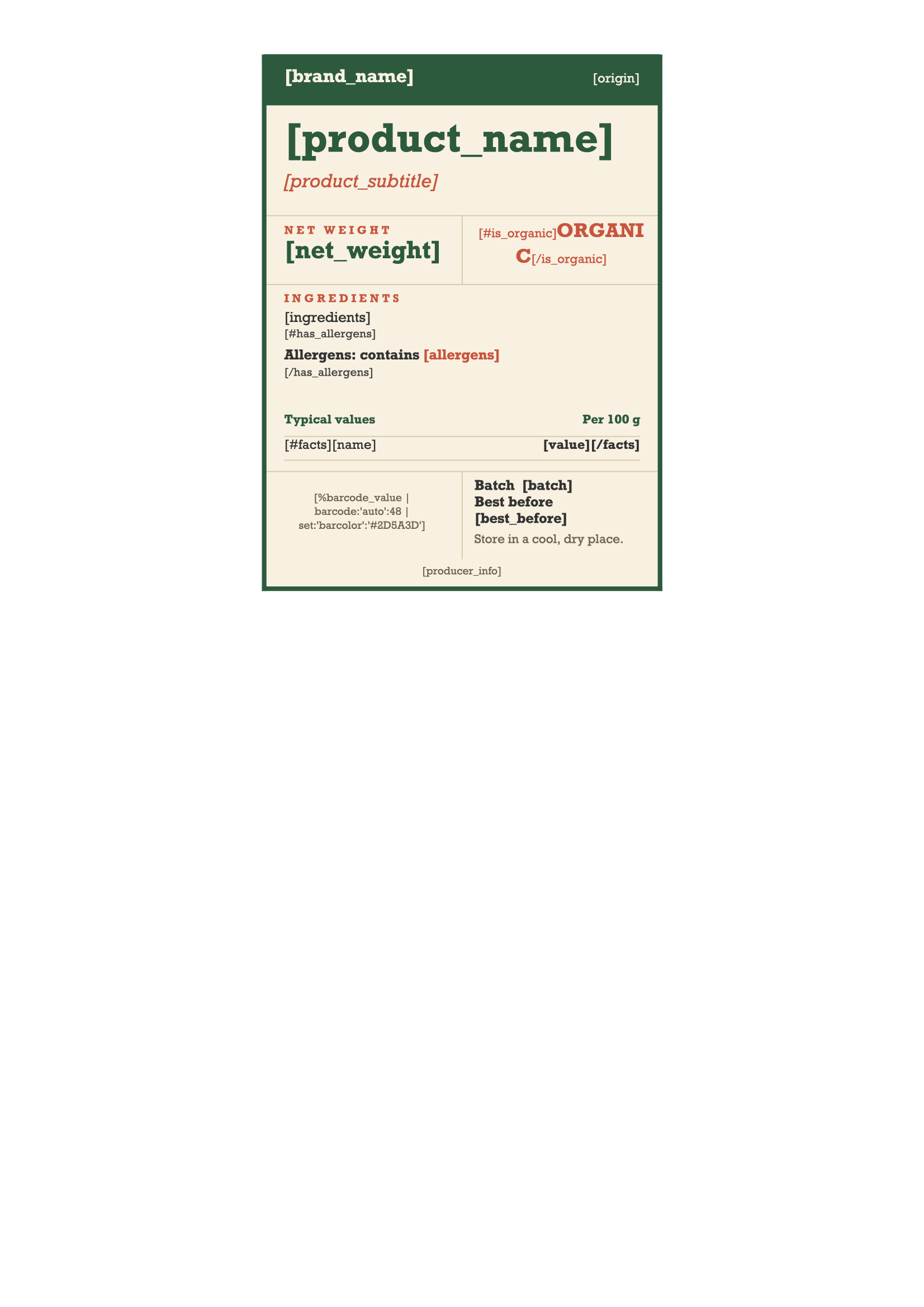
Label template in Word with merge tags
Understanding

What's a Label?

A label is a small document attached to a parcel, product or package to identify it. Shipping labels show the sender, the recipient's address and a tracking barcode, while product labels show the name, price and other details.


Businesses print labels every day, from shipping and address labels to product, price and asset labels. Each type follows a fixed layout, which makes labels a natural fit for automation.

Start With Our

Label Templates

Download a ready-to-use template, adapt it to your needs and generate your first label in minutes.

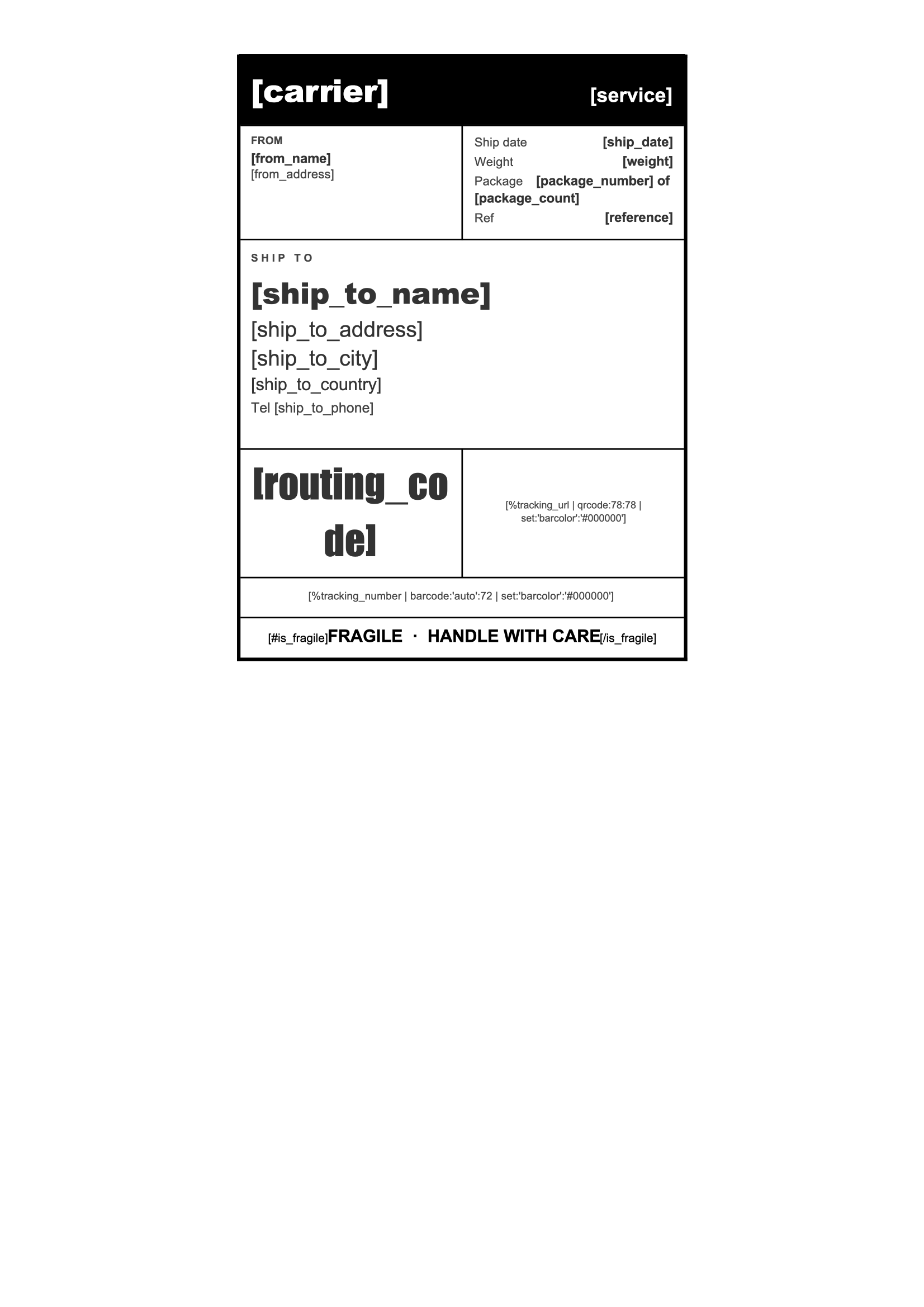
Shipping Label
Download
Shipping Label Template
Dotted shape
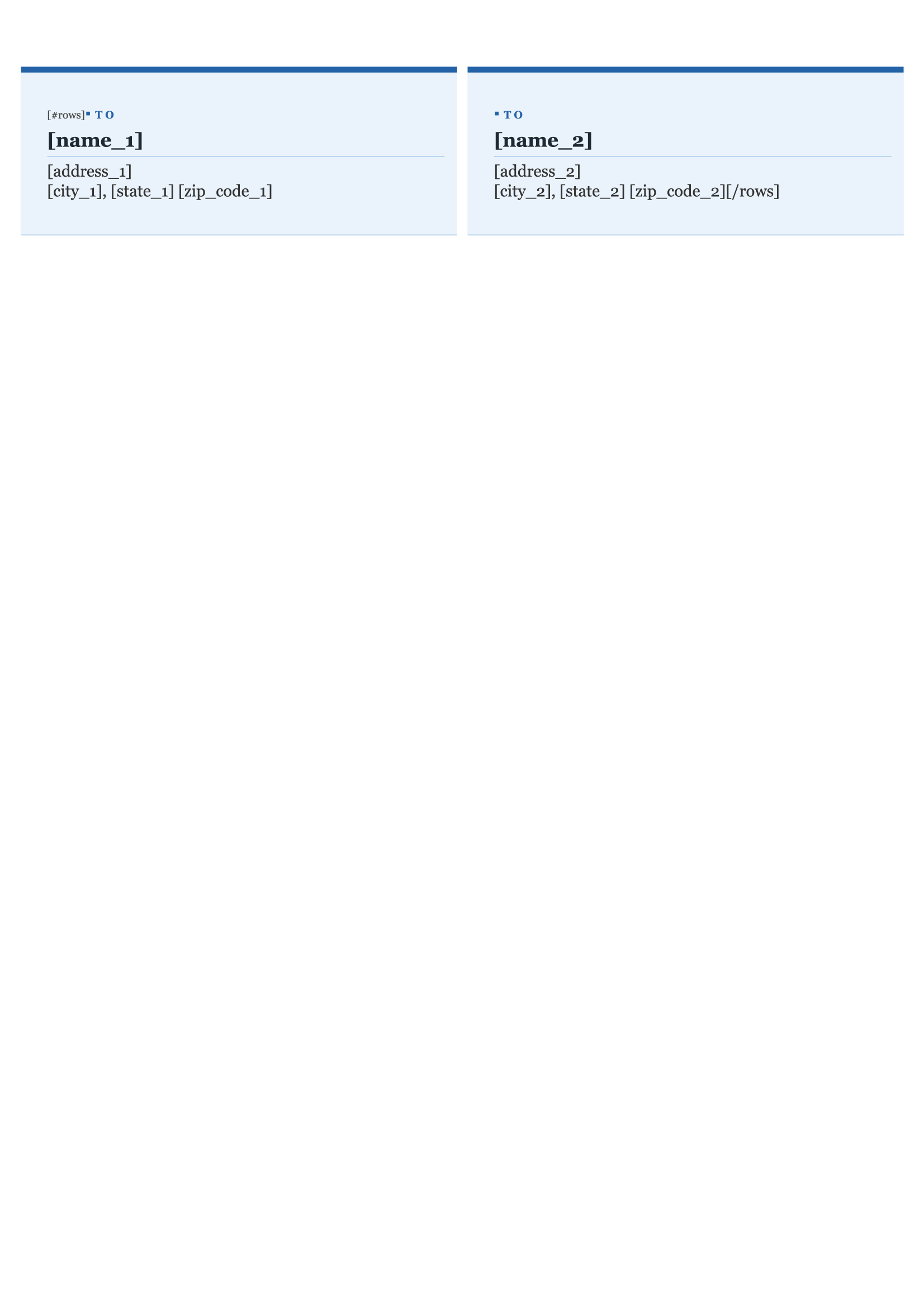
Address Label
Download
Address Label Template
Dotted shape
Product Label
Download
Product Label Template
Dotted shape
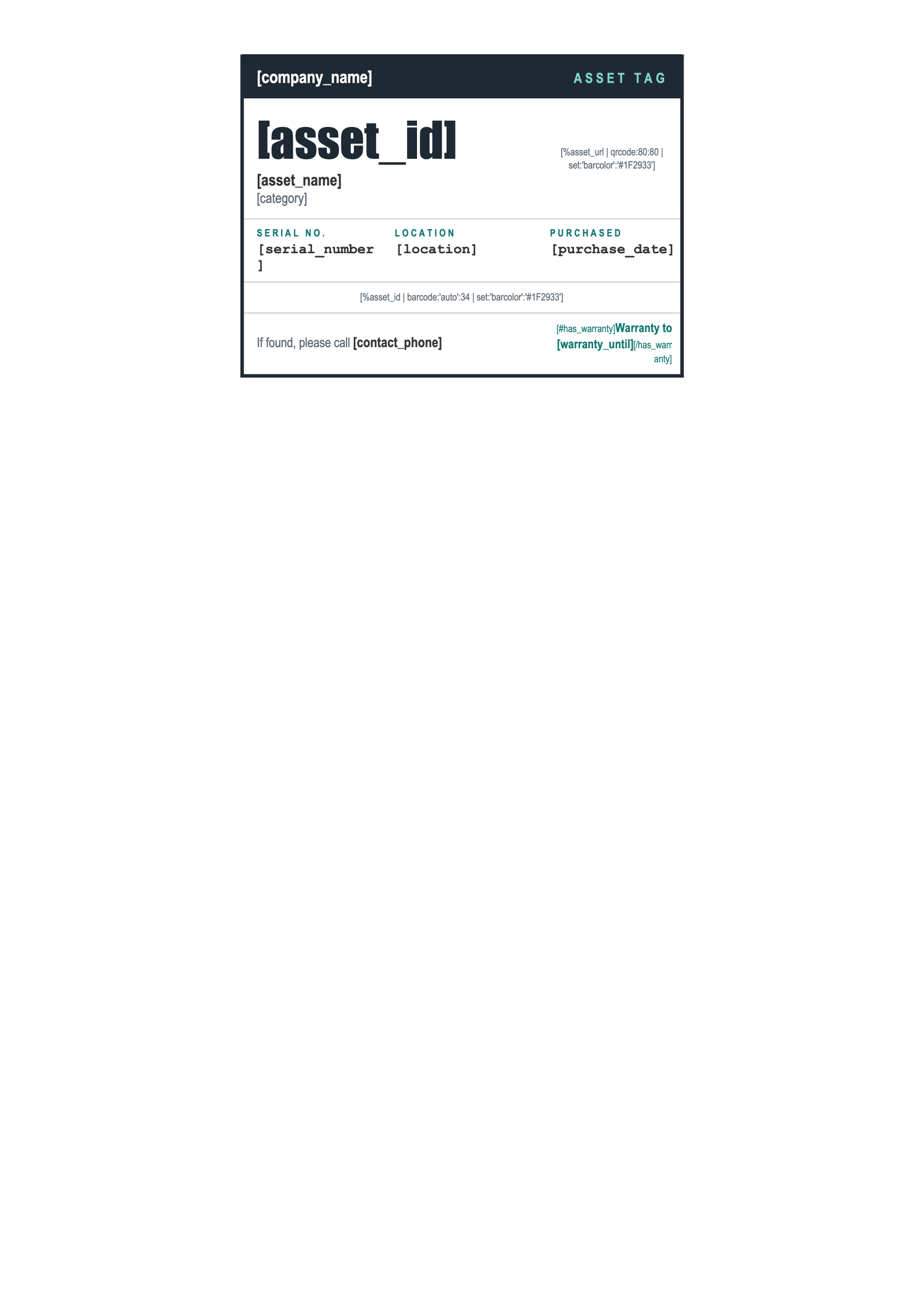
Asset Tag
Download
Asset Tag Template
Dotted shape
Everything You Need

Built For Labels

From addresses to barcodes, every part of a label can be driven by your data.

Barcodes & QR Codes

Generate a barcode or QR code on each label from a tracking number, SKU or any other value.

Learn More

Excel & CSV Imports

Upload a spreadsheet and generate one label per row, for every parcel or product in a single run.

Learn More

Single Print File

Combine all the labels of a shipping run into a single file, ready to send to your label printer in one go.

Learn More

Any Label Size

Design your labels in Word at any page size, from small product stickers to large shipping labels.

Learn More

Product Images

Add a product photo or your logo to each label, straight from the data you already have.

Learn More

Optional Fields

Show a fragile warning, an expiry date or handling instructions only on the labels they apply to.

Learn More

Number Formats

Show prices and weights with the right decimals and separators for each market.

Learn More

Export Formats

Generate labels as PDF for printing, or as PNG images for label printers and other apps.

Learn More
Integrations

Automate With No-Code

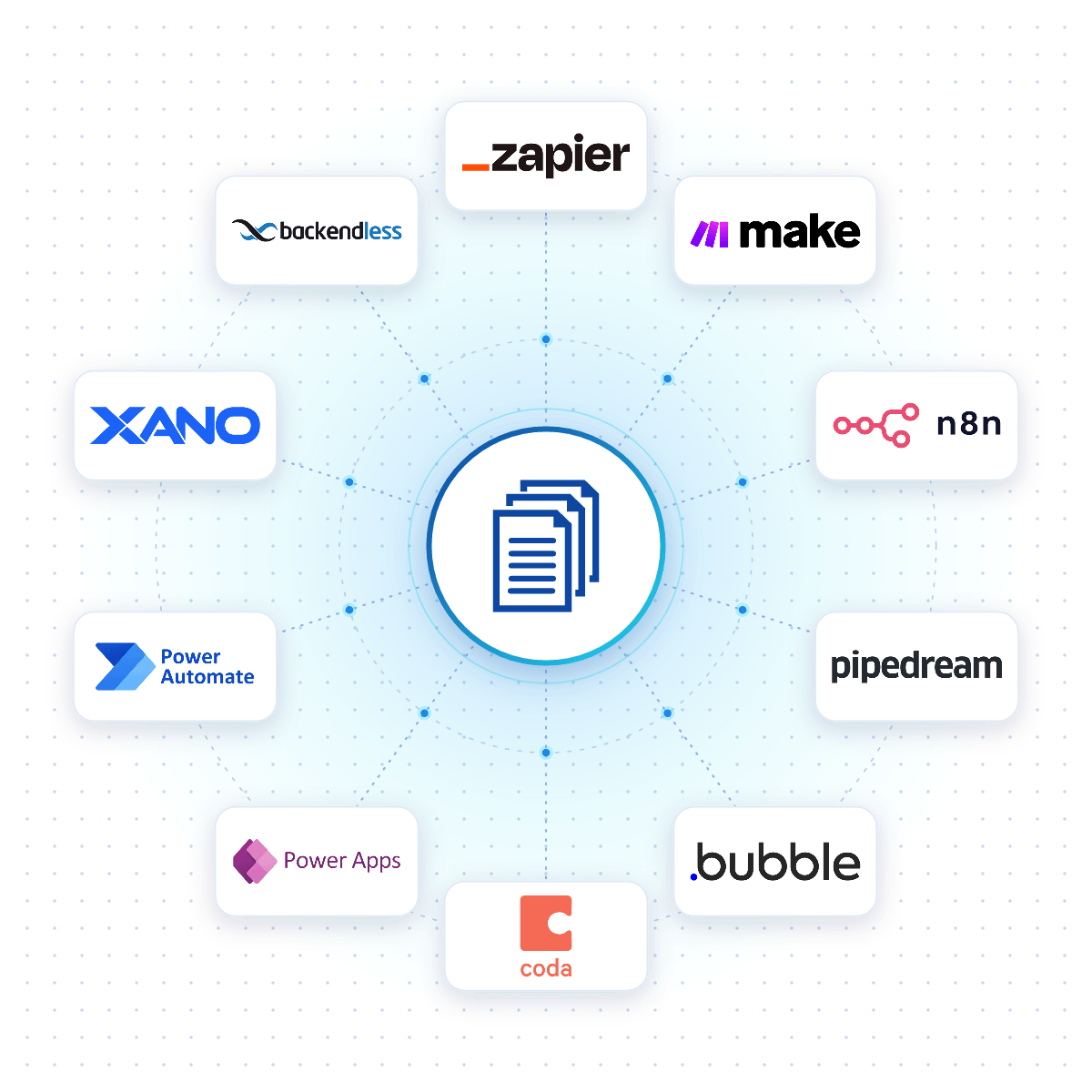
Connect DocuGenerate to Zapier, Make, n8n or Pipedream, and a label is created the moment an order is placed, a shipment is booked or a product is added to your catalog.

Native connectors for Bubble, Coda, Power Apps, Xano and Backendless allow your apps to generate labels reliably from your DocuGenerate templates.

No-Code Integrations
DocuGenerate connected to no-code platforms like Zapier, Make, n8n and Bubble
From Our Blog

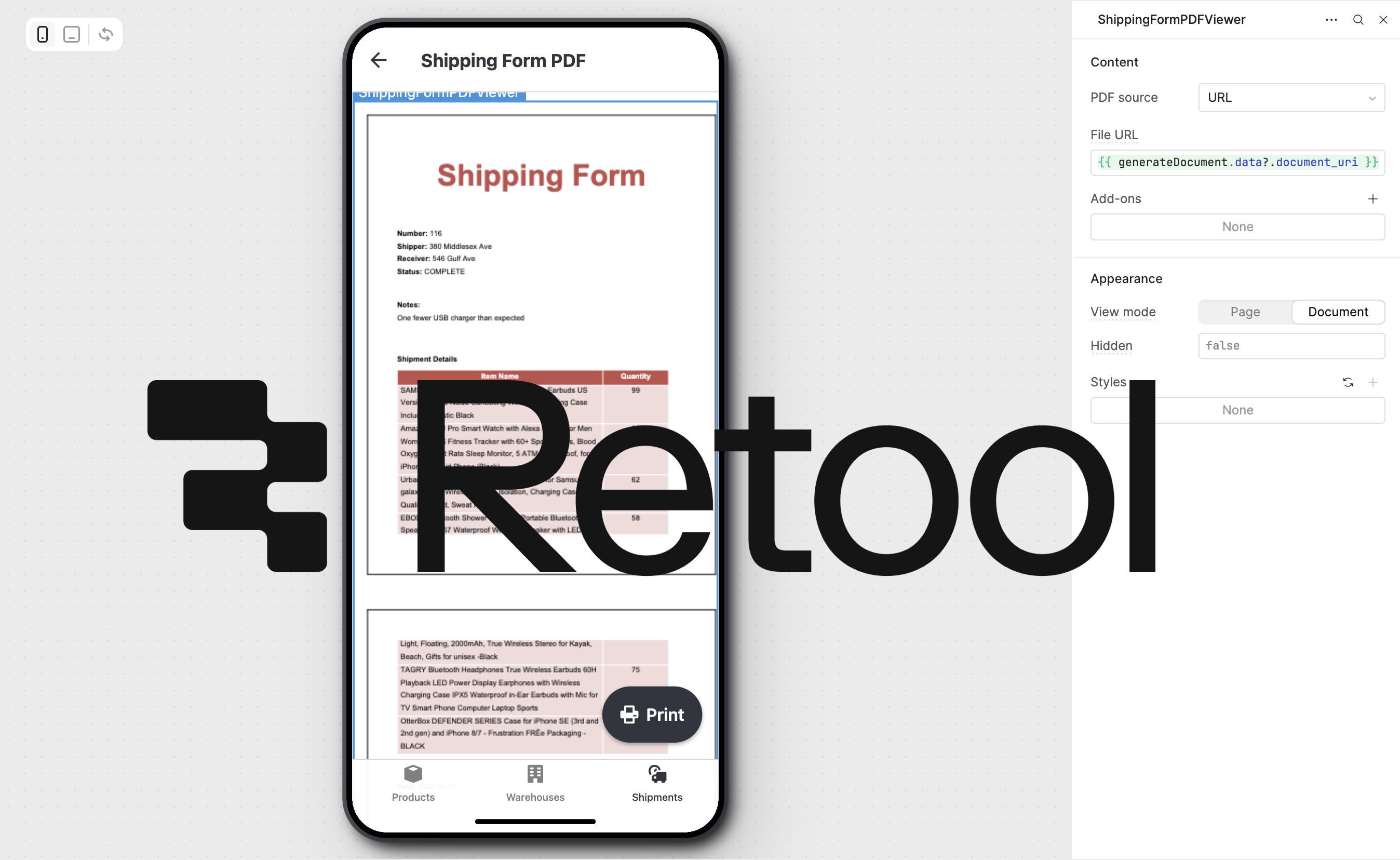
Generate PDF Shipping Forms with Retool

This step-by-step tutorial adds document generation to a Retool inventory management app, creating professional PDF shipping documents from your shipment data with DocuGenerate.

Read the Article
Generate PDF Shipping Forms with Retool for Inventory Management
Rectangle shape
FAQ

Your Questions Answered

Questions frequently asked about generating labels with DocuGenerate

Yes. Templates are ordinary Word files, so you can reuse the labels you already have. Add merge tags where the details change and upload the file. Learn more.
Yes. Add a barcode or QR code tag to your template, and it's generated from the tracking number, SKU or any other value in your data. Learn more.
Any size. Templates are ordinary Word files, so you set the page size to match your labels, from small product stickers to 4x6 shipping labels.
Yes. Combine the generated labels into a single PDF file, one label per page, and send the whole batch to your printer in one go. Learn more.
No. The data is transient. It is used for the merge and then discarded, never written to the logs or the database. The generated labels are kept until you delete them.
Yes. Send your label data as JSON to the REST API and get the generated label back in seconds. SDKs are available for Node.js, Python, PHP, Ruby, Go, C#, Rust and Java, and every plan includes full API access. Learn more.
Sign Up

Start Generating Your Labels

Get started with 20 free documents per month and our ready-to-use label templates.

Start Generating for Free
  • Free forever plan
  • No credit card required